
01 · Search
Type your destination
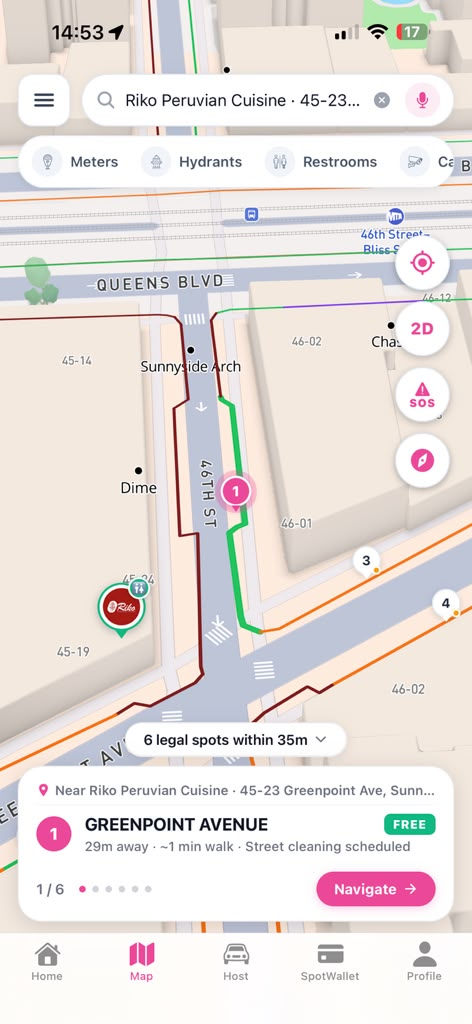
Enter a name or address in the map search bar and select your destination.
Spotlink · Your link to useful spots.
Find legal street parking, nearby restrooms, fire hydrants, useful businesses and live parking departures in NYC. Search, ask Spotlink Voice or select a spot on the map to plan your next move.
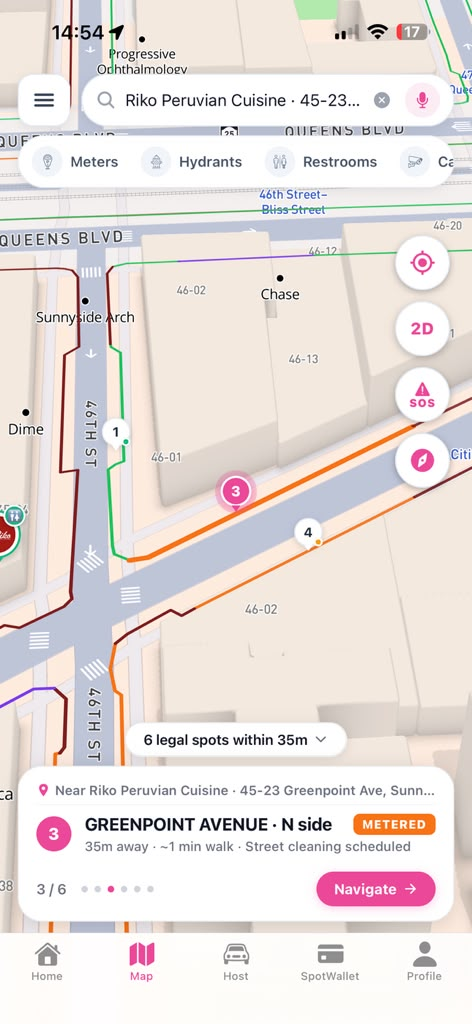
Search for a place or open a saved destination. Compare free and metered options, check the walk and choose where to navigate.
See destination parking
Search, check the curb with Voice or open a saved place. Compare nearby parking and choose where to go.
01 · Search
Enter a name or address in the map search bar and select your destination.
02 · Ask
When safely stopped, tap Voice and ask a supported curb question such as “Can I park here?”
03 · Select
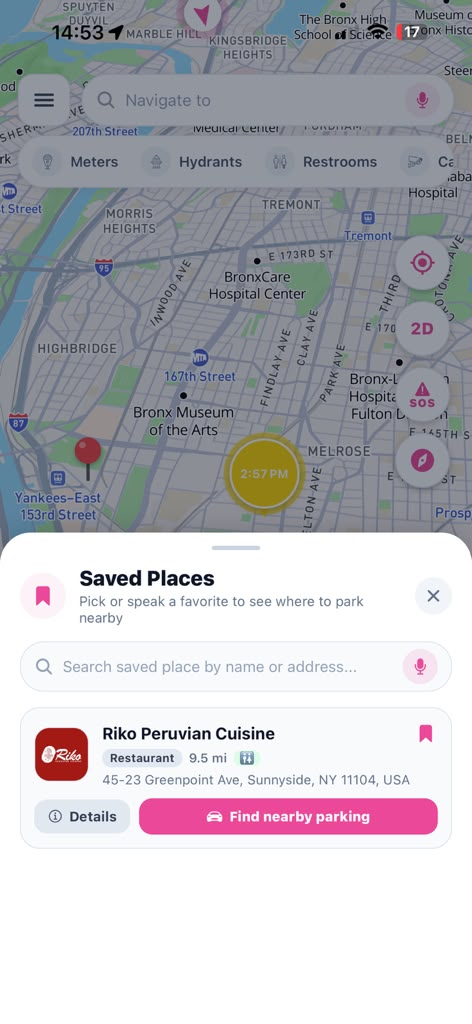
Choose a place in Saved Places and tap “Find nearby parking.”
04 · Review
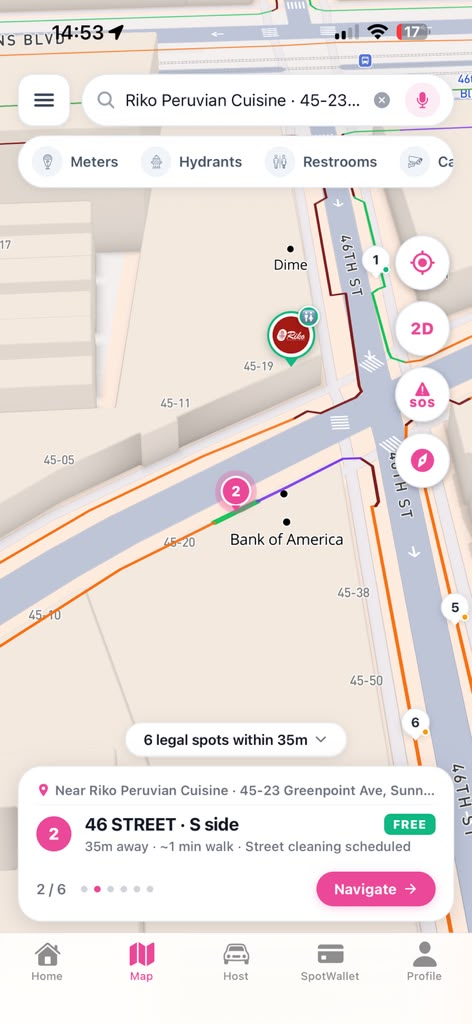
Check the parking type, walking distance and street-cleaning information on the first card.
05 · Compare
Swipe to the next card and compare its walk and curb information.
06 · Navigate
Compare the metered option with the free ones, then tap “Navigate” on the card you choose while safely stopped.
07 · Live Departures
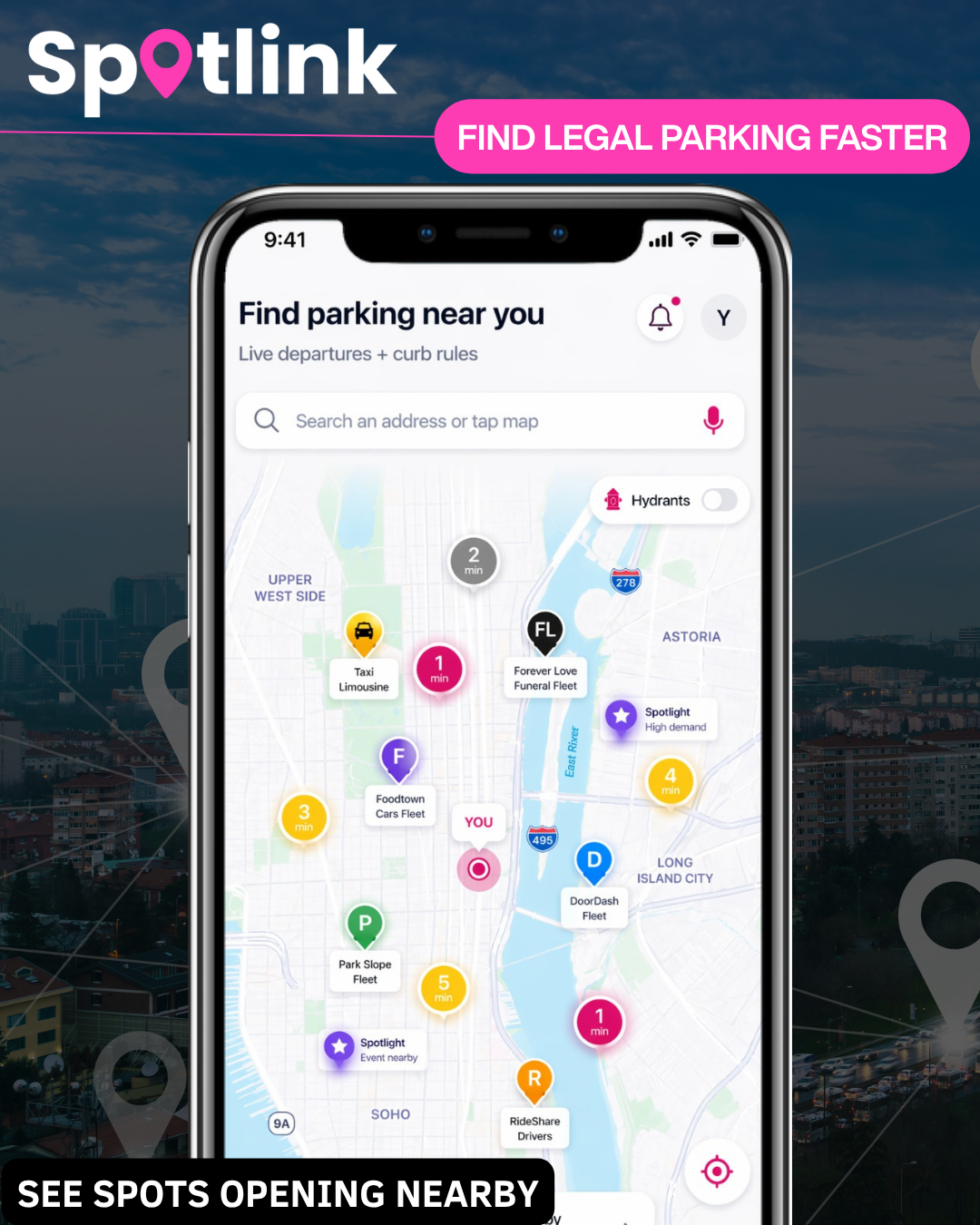
Open Live Departures and tap a pin to see the report. Follow directions toward the reported location when appropriate, then confirm the space and the curb rules.
NYC driver toolkit
One app. The tools NYC drivers need before, during and after parking.
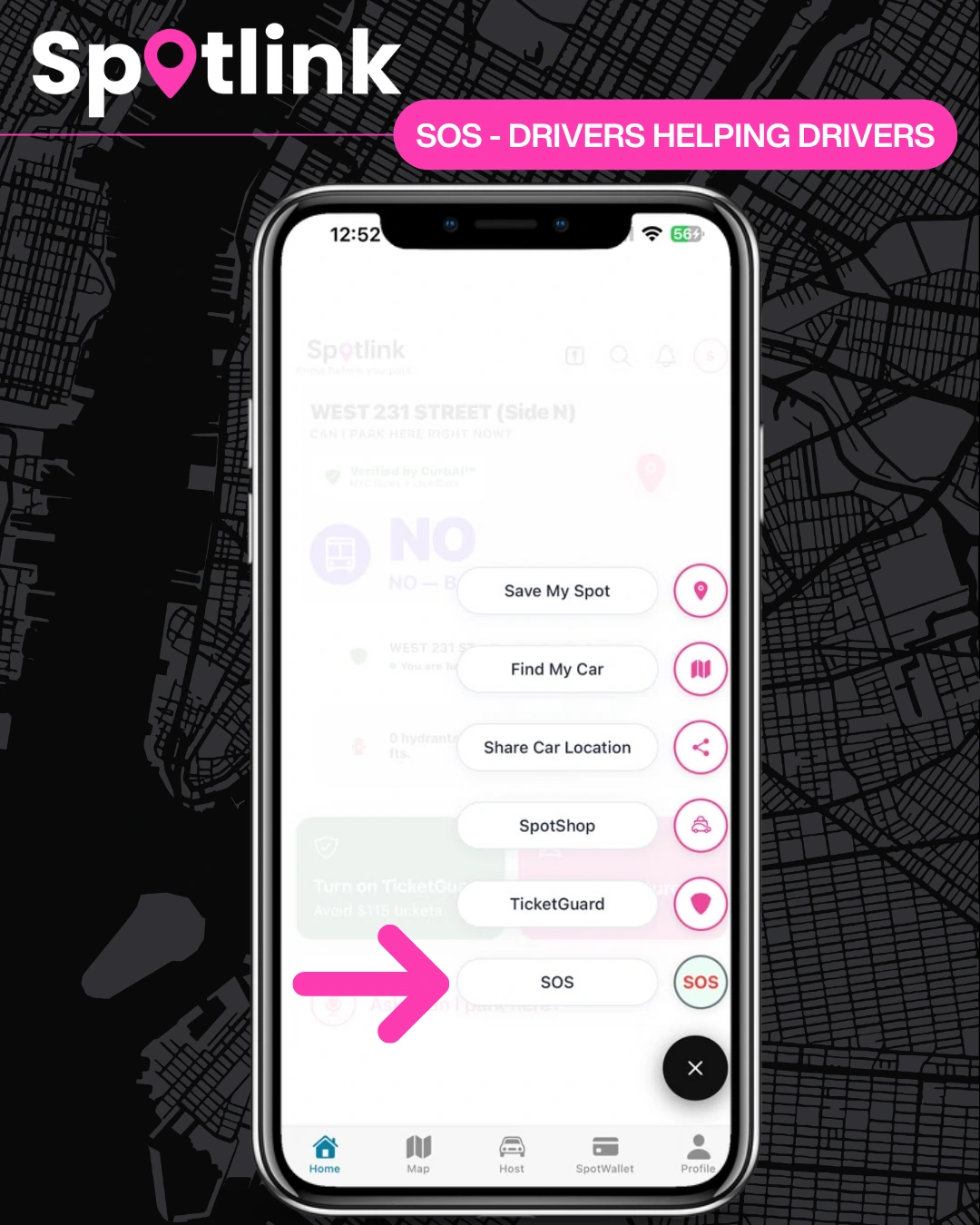
Ask participating drivers for voluntary help. Either person can cancel. For emergencies, call 911.
Learn more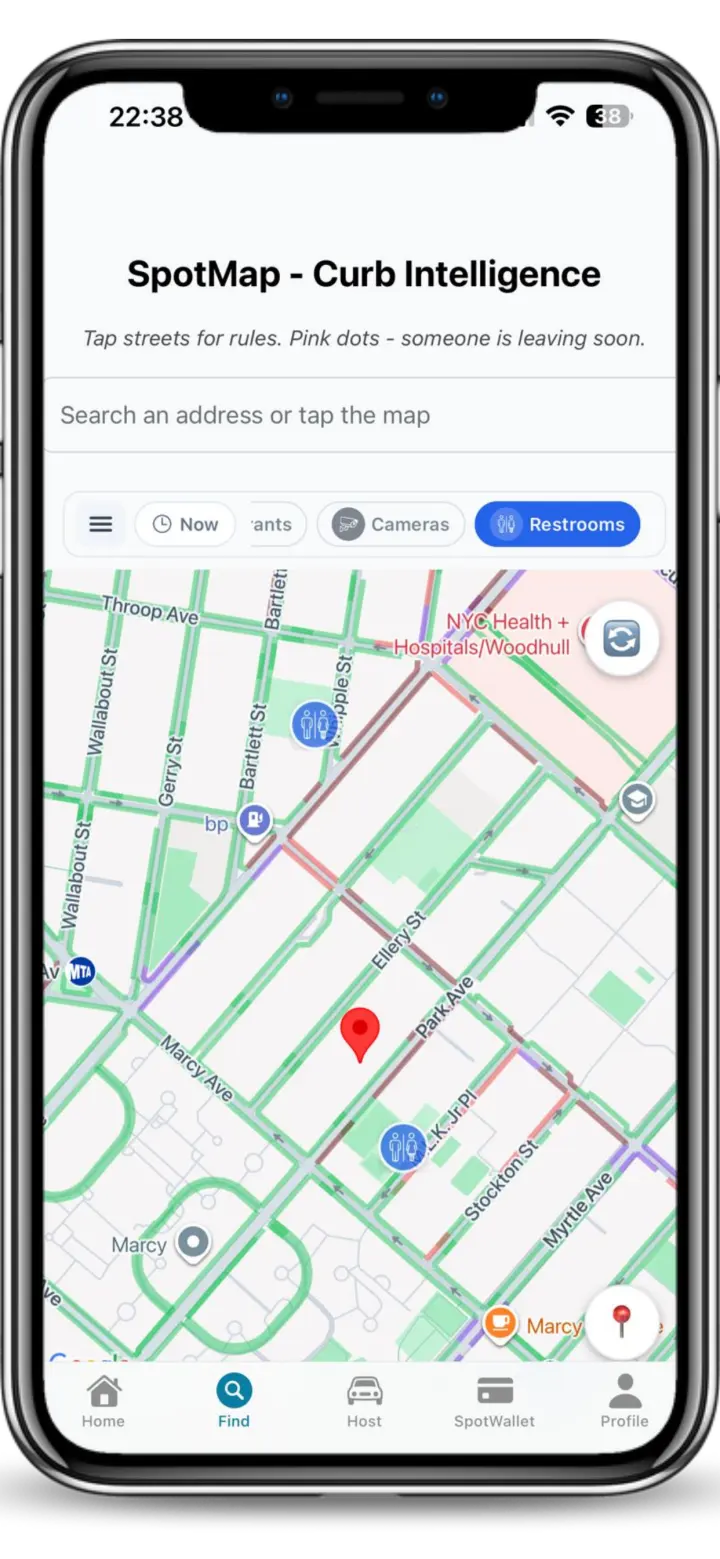
Find nearby known public bathroom locations.
Learn more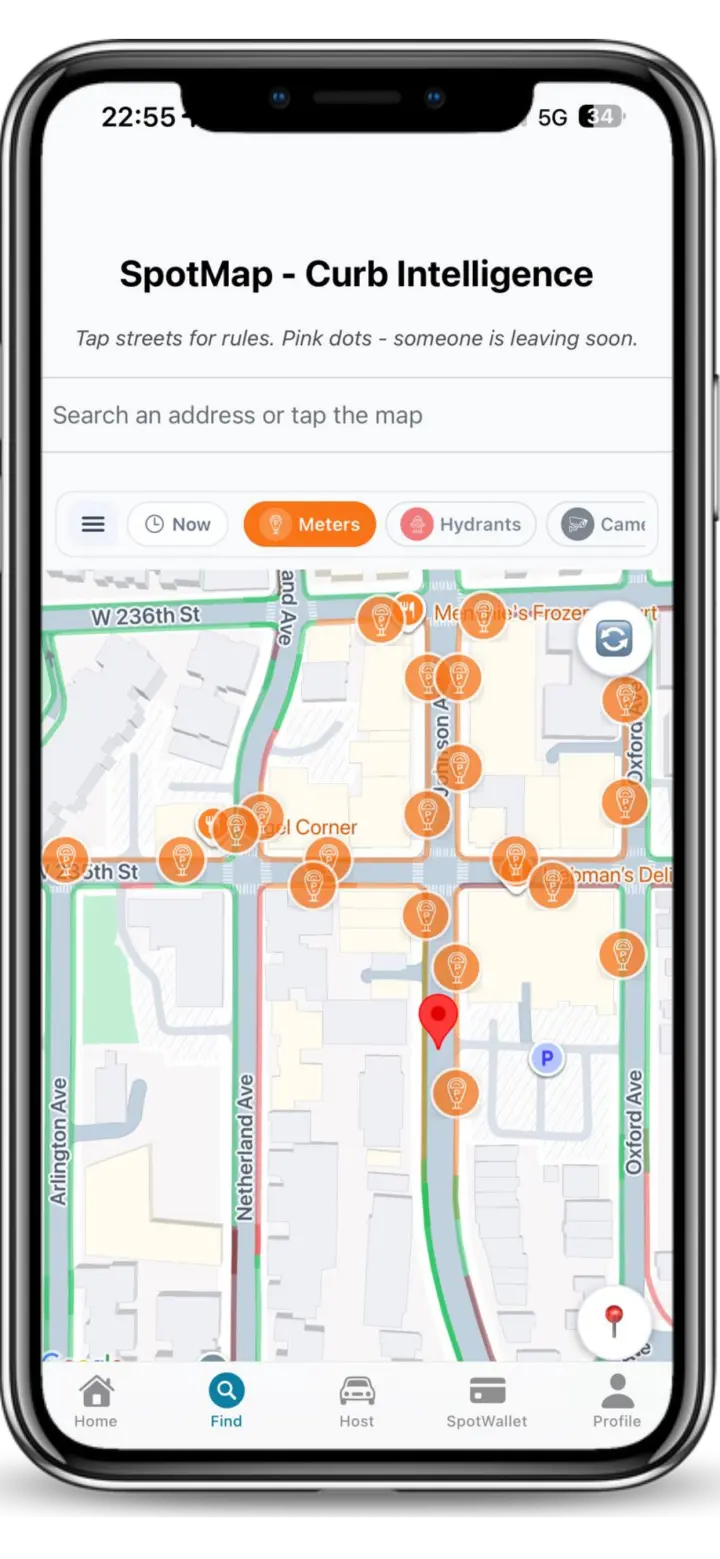
See nearby meter locations and check the curb context before paying.
Learn more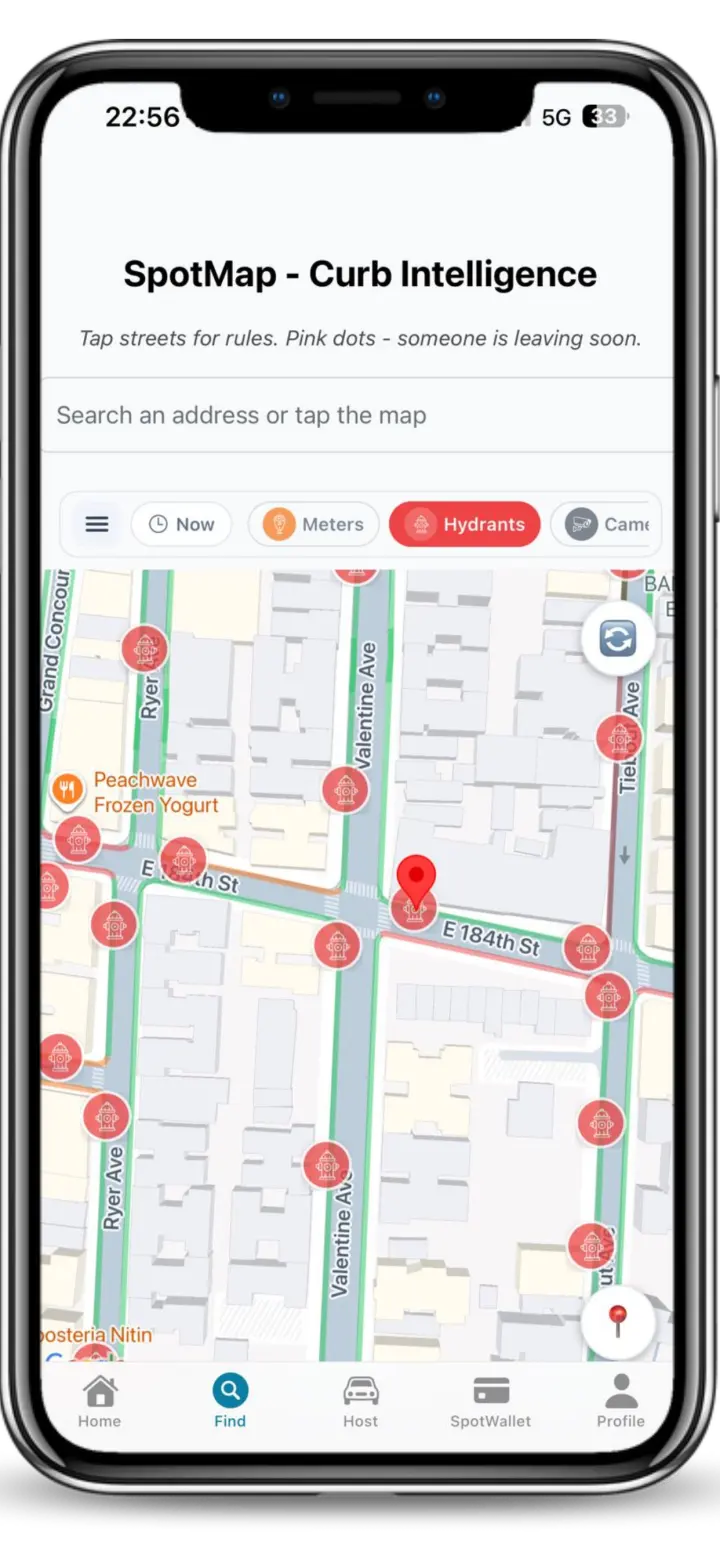
See hydrant distance and context before walking away.
Learn more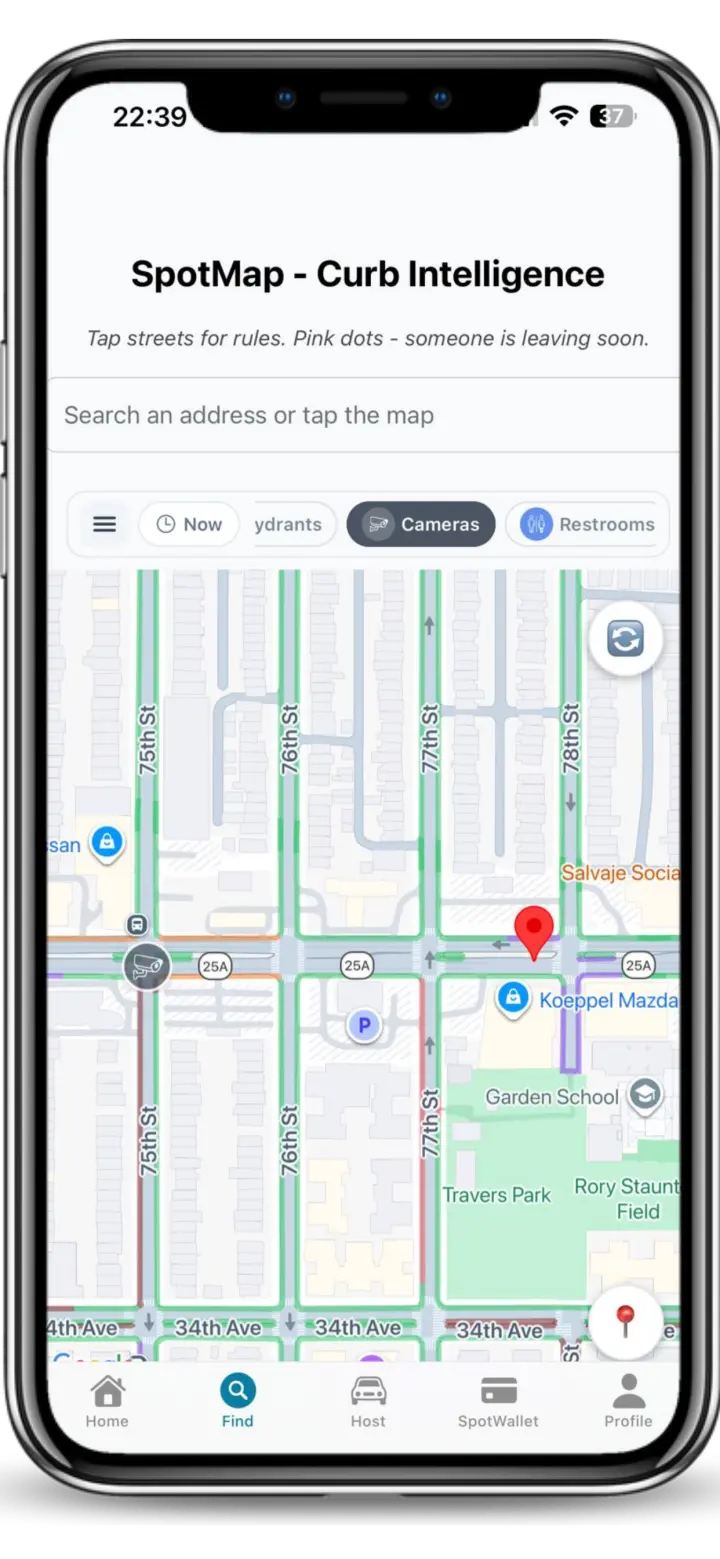
See nearby camera locations for better driver awareness.
Learn moreAsk “Can I park here?” instead of digging through menus. Interact only when safe and lawful.
Learn more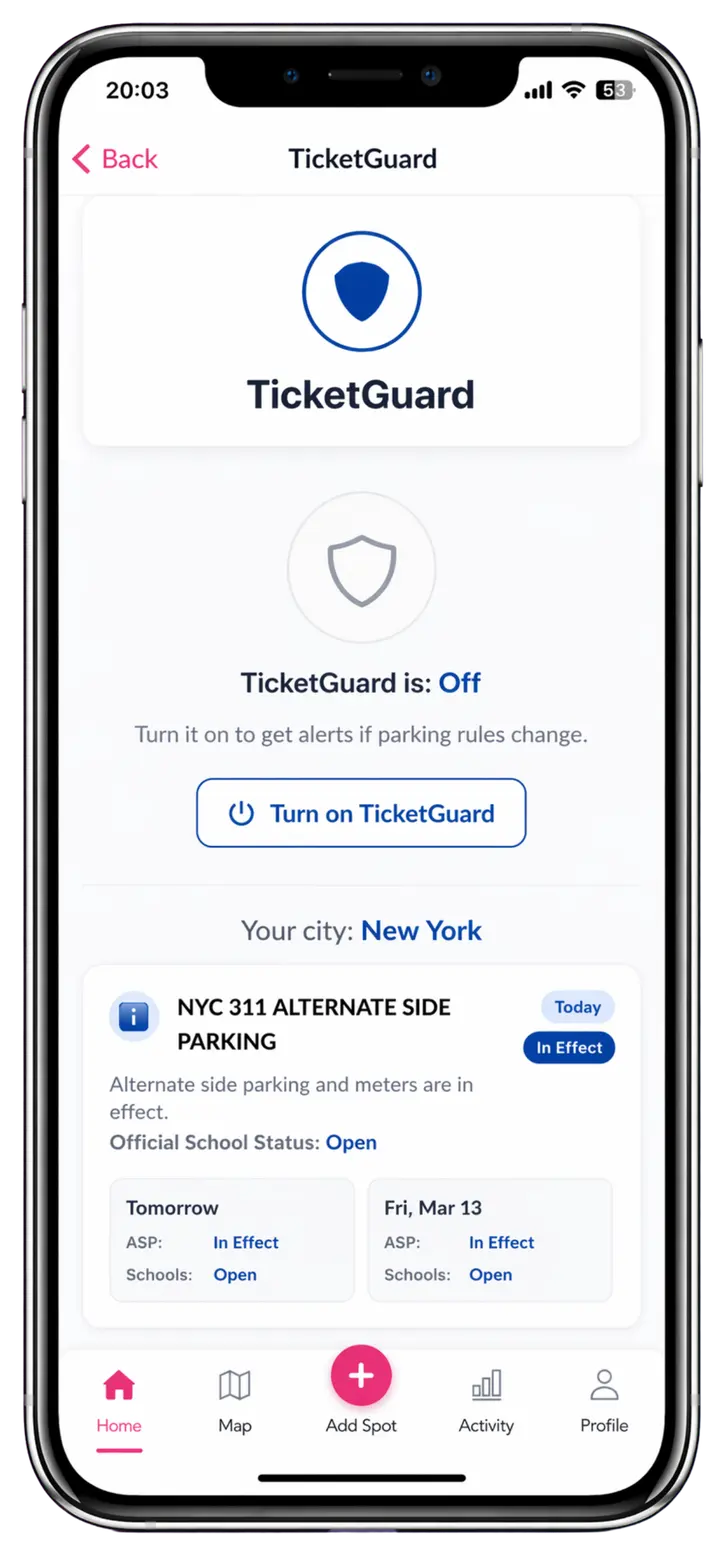
Stay aware of parked-car timing and relevant rule changes after you park.
Learn more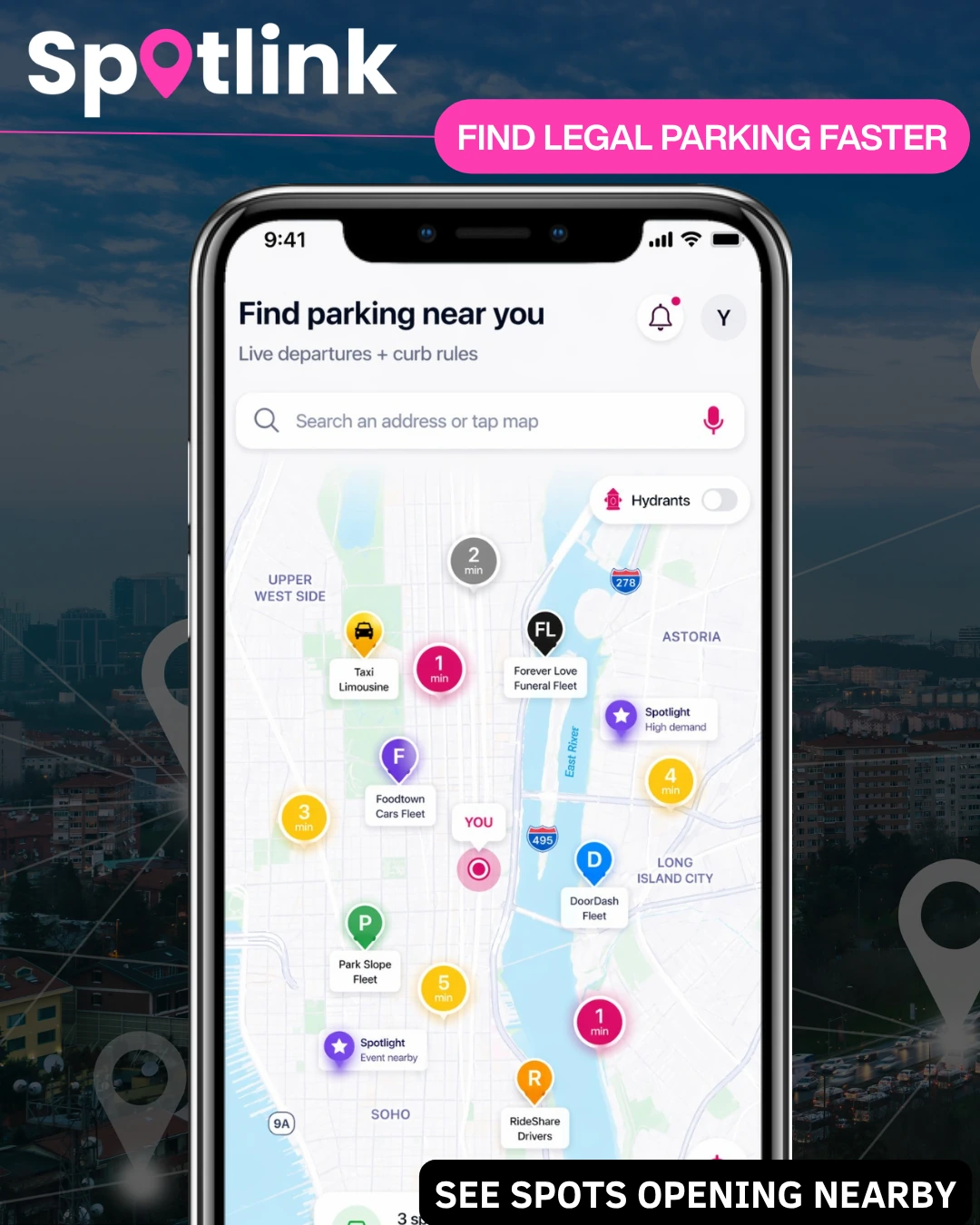
Select a driver-reported Departure and get turn-by-turn guidance toward its reported location. Availability is not guaranteed.
Learn more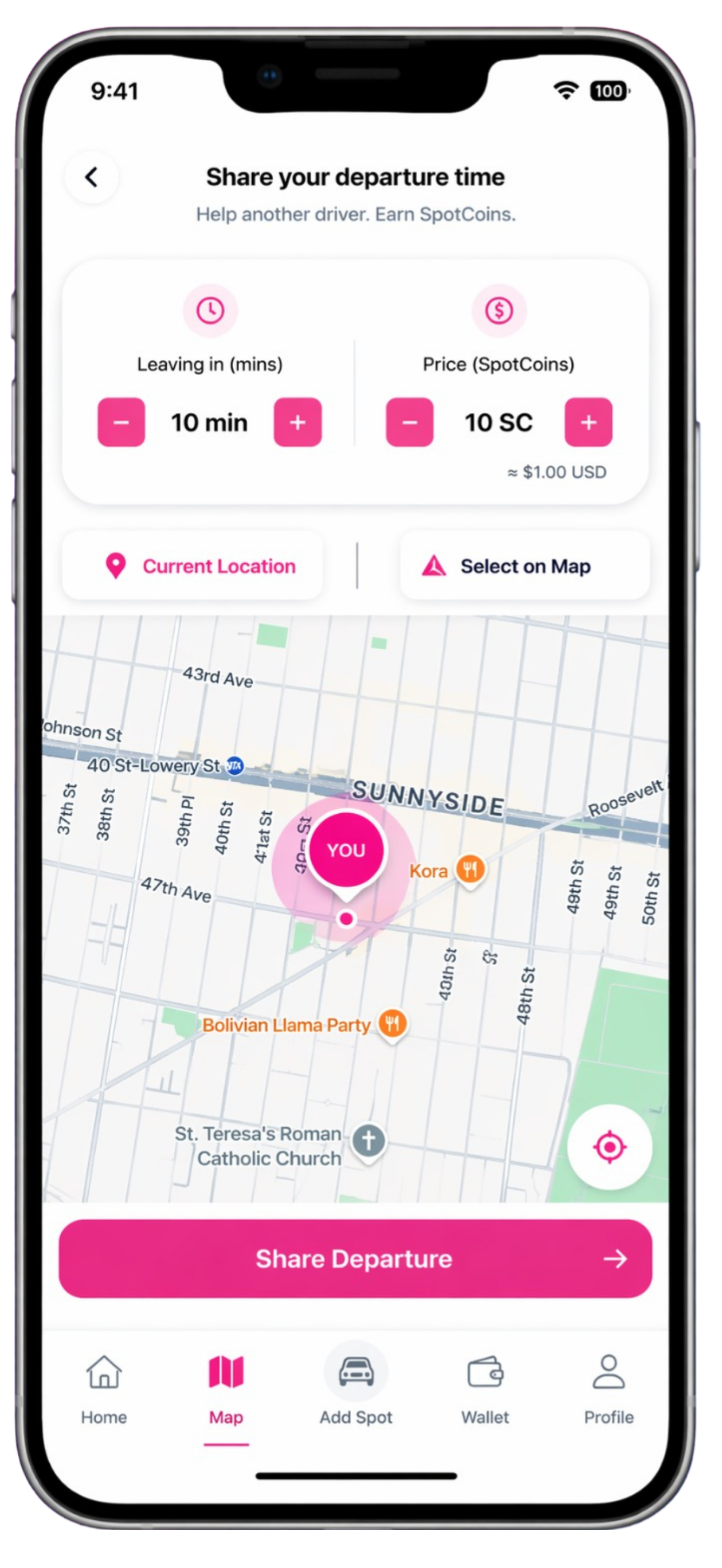
Leaving a parking space? Share a time-limited departure signal to help nearby drivers discover an upcoming opening. Eligible participation can earn SpotCoins.
Learn more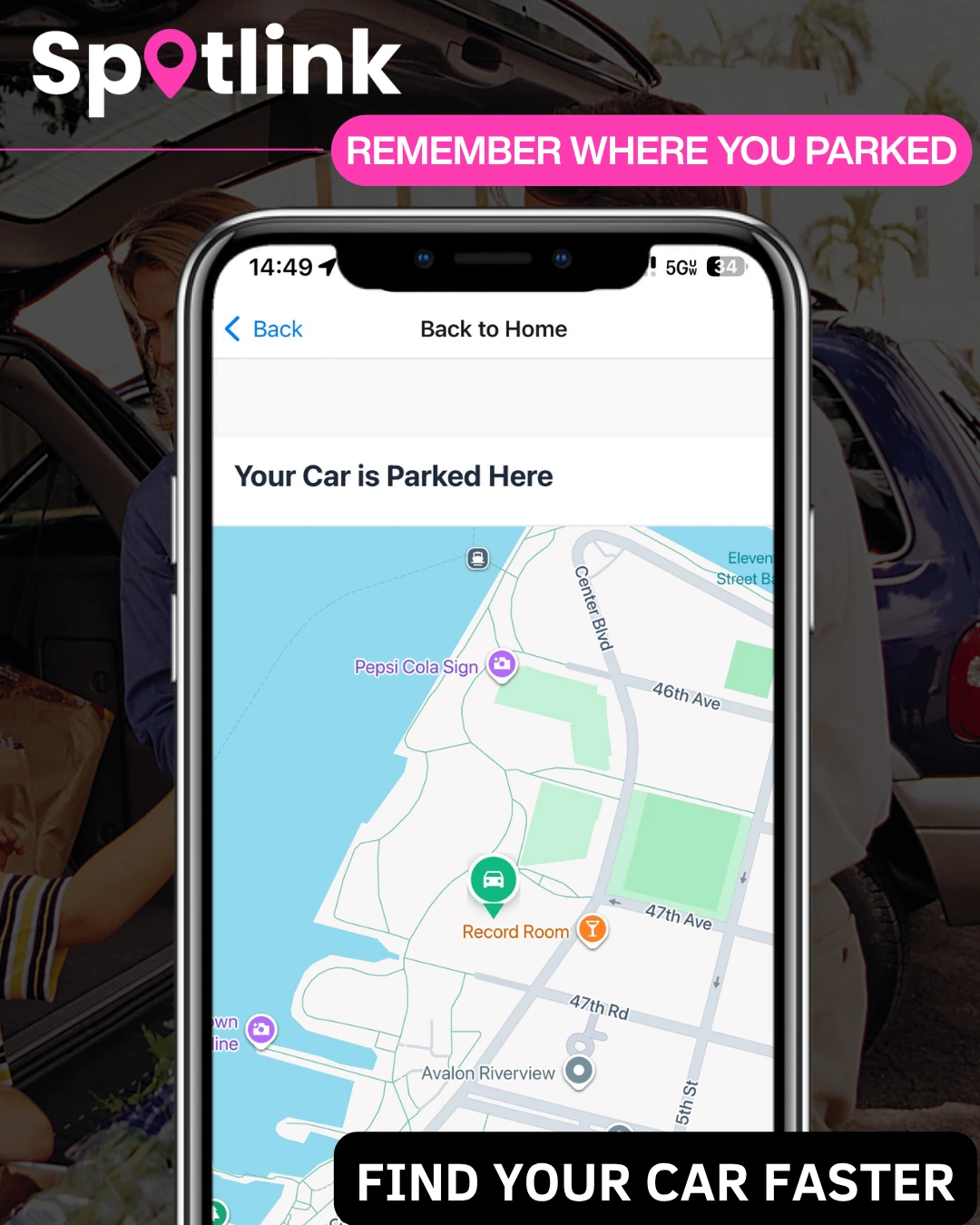
Remember exactly where you parked.
Learn more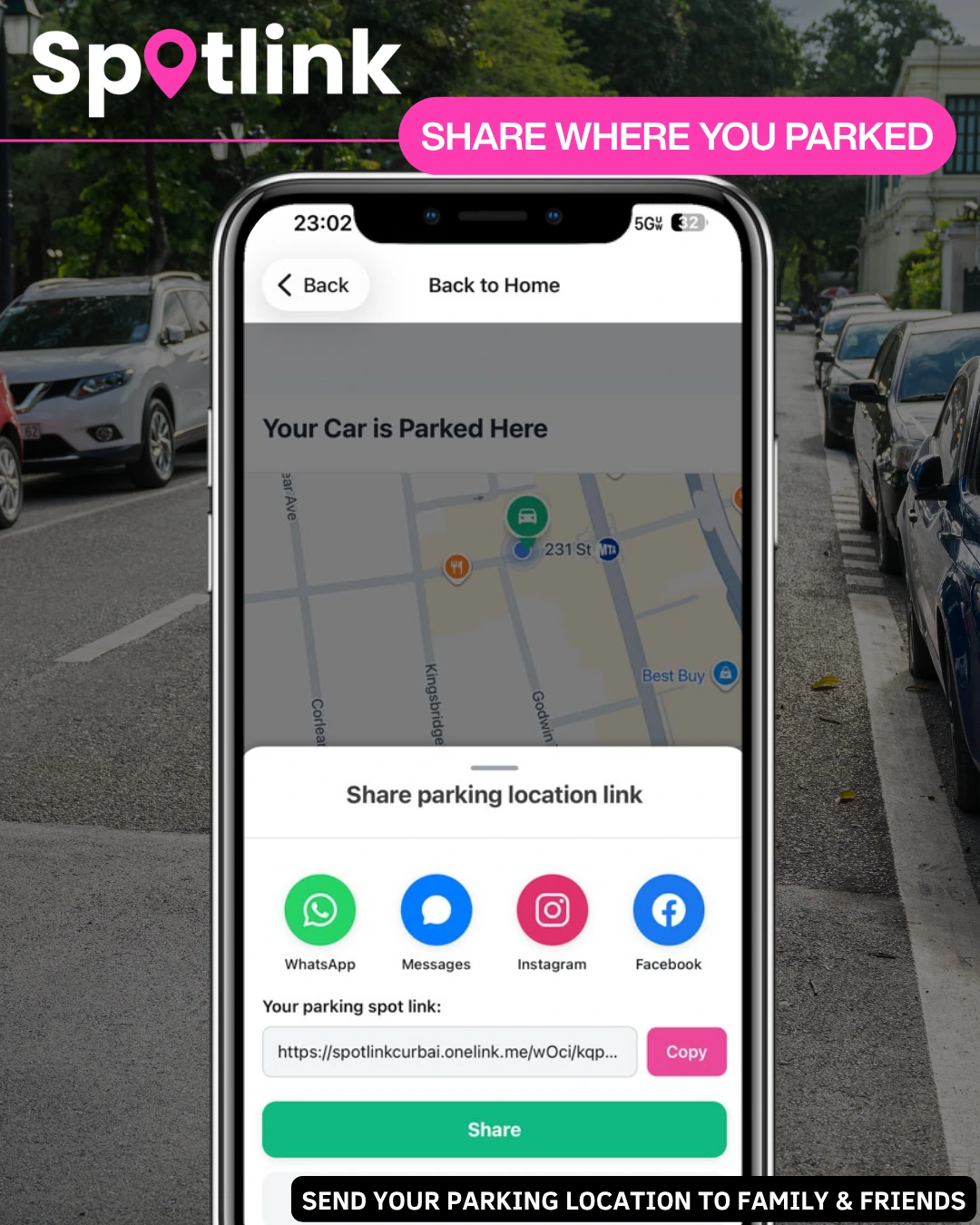
Privately send the saved location to family or someone you trust.
Learn moreLive city activity
Spotlink exists because the curb is economically important, crowded, and expensive. Parking decisions cost drivers time, money, fuel, and attention every day.
Figures are city-scale indicators and not guarantees of Spotlink reach or performance.
2M+
Vehicles in NYC households
490K/day
Vehicles entering Manhattan’s congestion zone
30K+
NYC municipal fleet vehicles
$1.13B
FY25 parking and camera fines issued
$620M+
FY25 parking violation fine revenue category
Hyperlocal
Visibility by zone, not broad scrolling
Moment of decision
Reach drivers near arrival, parking, and local movement
Curb confusion affects workers, families, fleets, and local businesses. Every extra loop can mean more stress, more fuel, and more ticket risk.
$65–$115
Common parking penalties
Dozens of hours
Time drivers can lose each year to parking friction
Stress, fuel, emissions
Circling affects more than the driver
Hot zones
Some neighborhoods face repeated curb pressure and enforcement
Better decisions
Spotlink helps drivers make faster, clearer curb decisions
Data-informed curb pressure
Spotlink organizes parking pressure patterns, departure signals, and driver checks across busy NYC neighborhoods. Conditions change by time, signs, restrictions, enforcement, construction, and local activity.
Citywide context: NYC issued 16,547,590 parking tickets and camera violations in FY2025, according to the Department of Finance Local Law 6 report. Neighborhood pressure varies by signs, enforcement, traffic, construction, business activity, and turnover.
Data note: neighborhood figures are mapped from available NYC parking violation records and should be treated as directional, not a live enforcement guarantee.
Midtown
Manhattan
Pressure score: 100/100
FY25 mapped violations: 744,106
Pressure: Commercial core, hotels, offices, theaters, deliveries, pickups, and constant curb turnover.
Top risks: 14-No Standing, 69-Fail to Dsp Prking Mtr Rcpt, 31-No Stand (Com. Mtr. Zone)
Driver checks: Check signs, loading rules, bus lanes, hydrants, metered zones, temporary notices
Check with CurbAI before leaving the car.
Long Island City
Queens
Pressure score: 68/100
FY25 mapped violations: 148,694
Pressure: Residential growth, construction, waterfront traffic, offices, deliveries, and changing curb use.
Top risks: 38-Failure to Dsplay Meter Rec, 21-No Parking (street clean), 14-No Standing
Driver checks: Check signs, meter rules, loading zones, construction notices, hydrants
Ask CurbAI before paying or walking away.
Astoria
Queens
Pressure score: 75/100
FY25 mapped violations: 270,430
Pressure: Dense residential blocks, restaurants, nightlife, deliveries, and evening parking demand.
Top risks: 21-No Parking (street clean), 38-Failure to Dsplay Meter Rec, 40-Fire Hydrant
Driver checks: Check street cleaning, meter rules, hydrants, restaurant loading activity, night restrictions
Use TicketGuard after parking.
Jackson Heights
Queens
Pressure score: 71/100
FY25 mapped violations: 197,687
Pressure: Transit, small businesses, family trips, deliveries, and very active local parking demand.
Top risks: 21-No Parking (street clean), 38-Failure to Dsplay Meter Rec, 40-Fire Hydrant
Driver checks: Check signs, bus stops, hydrants, meter rules, temporary notices
Check with CurbAI before stopping or leaving the car.
Downtown Brooklyn
Brooklyn
Pressure score: 69/100
FY25 mapped violations: 167,408
Pressure: Courts, schools, offices, bus and bike redesigns, deliveries, and heavy curb competition.
Top risks: 38-Failure to Dsplay Meter Rec, 14-No Standing, 21-No Parking (street clean)
Driver checks: Check signs, bus lanes, bike lanes, loading rules, metered zones, temporary notices
Review with CurbAI and activate TicketGuard.
Official Spotlink.app
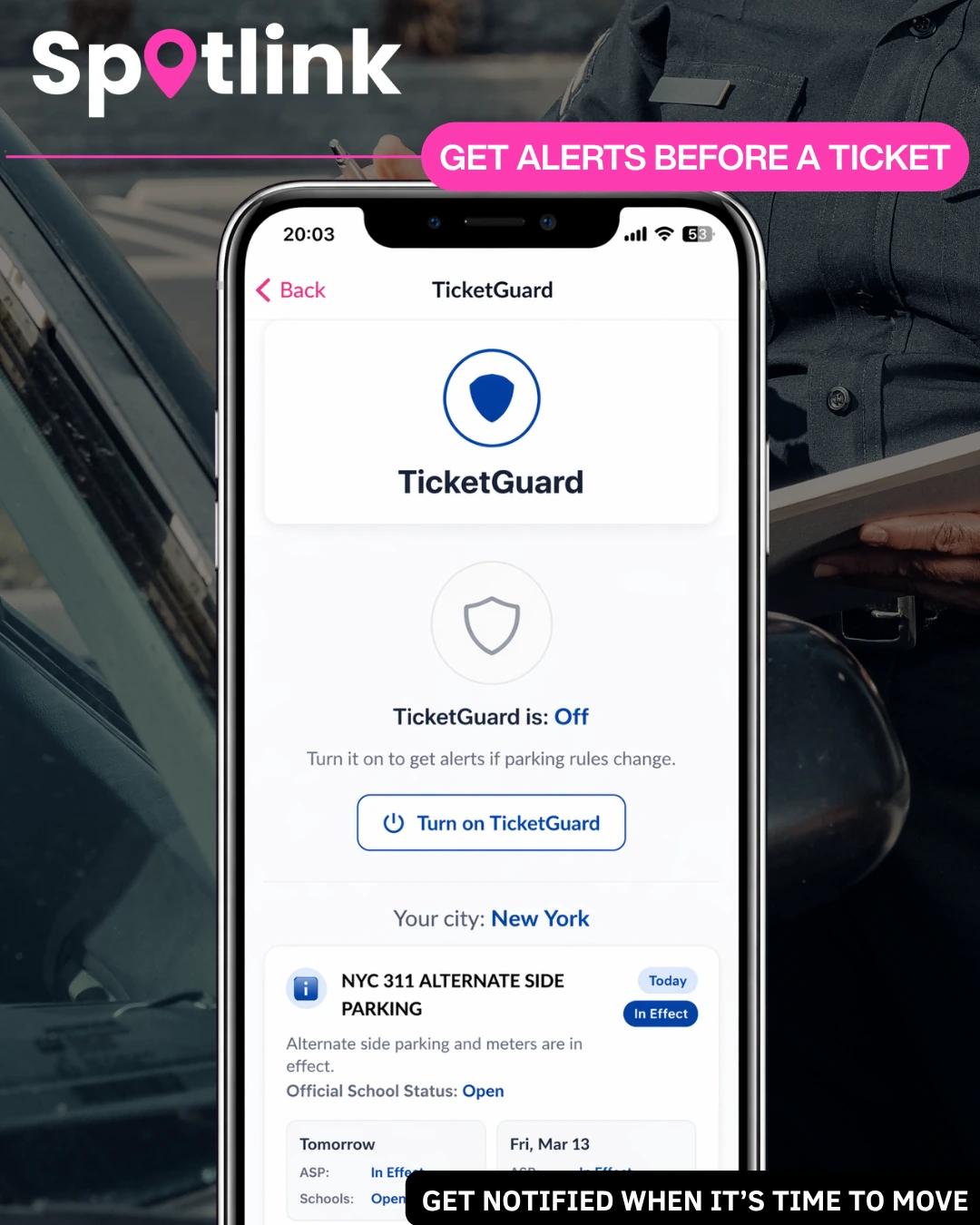
TicketGuard helps drivers monitor parking-risk timing before enforcement windows.
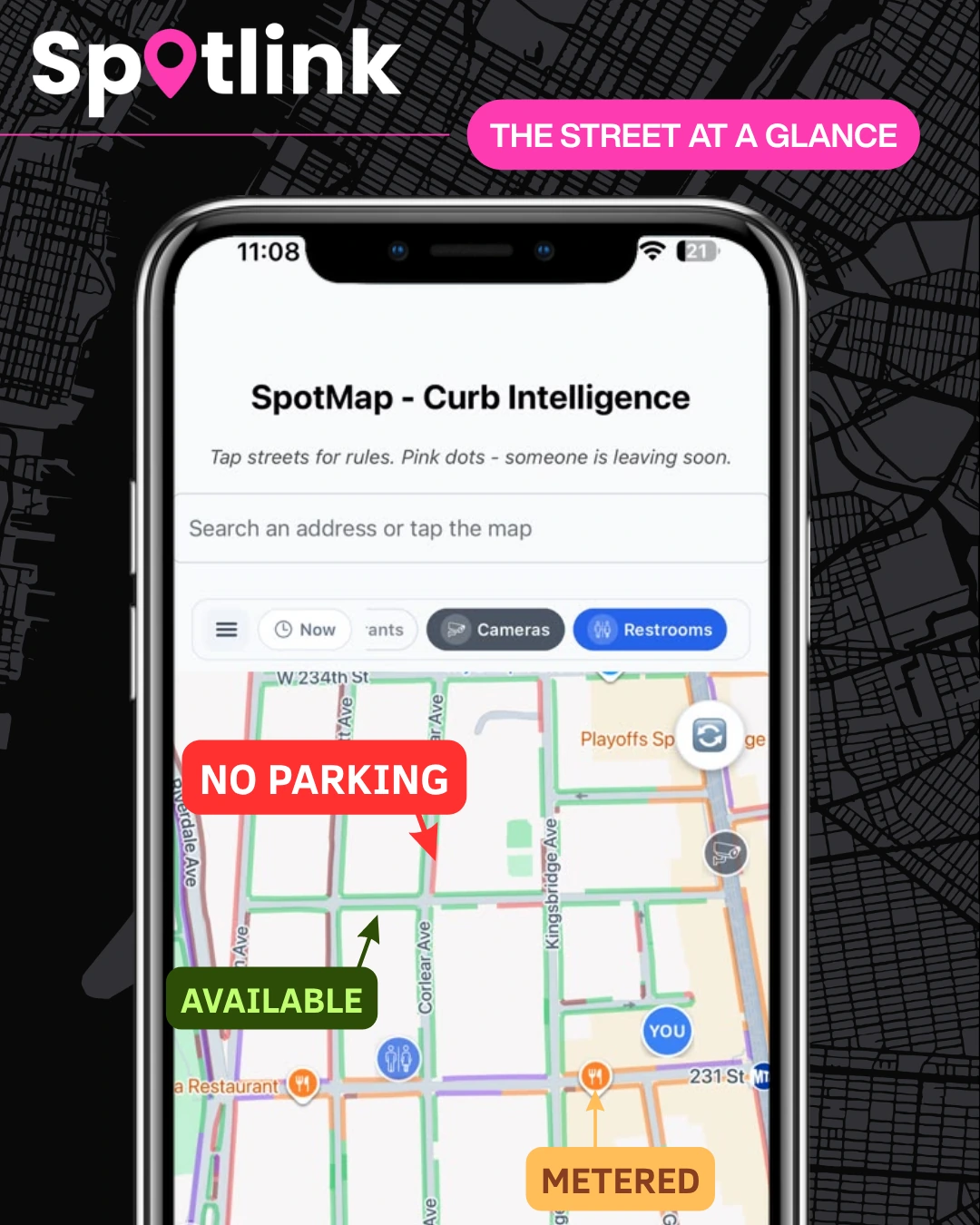
SpotMap presents streets in 2D or 3D with color-coded curb context; CurbAI helps drivers understand what a specific location is saying right now.
Separate map utilities help drivers find known public bathrooms, meters, hydrants and speed-camera locations, while Save and private Share keep parked-car coordination distinct from public Departure signals.
Confirm the official Spotlink identity, product relationships, and verified app links on the Spotlink entity page.
Driver stories
Spotlink helps drivers check rules, discover parking signals, and stay alert before costly mistakes happen.
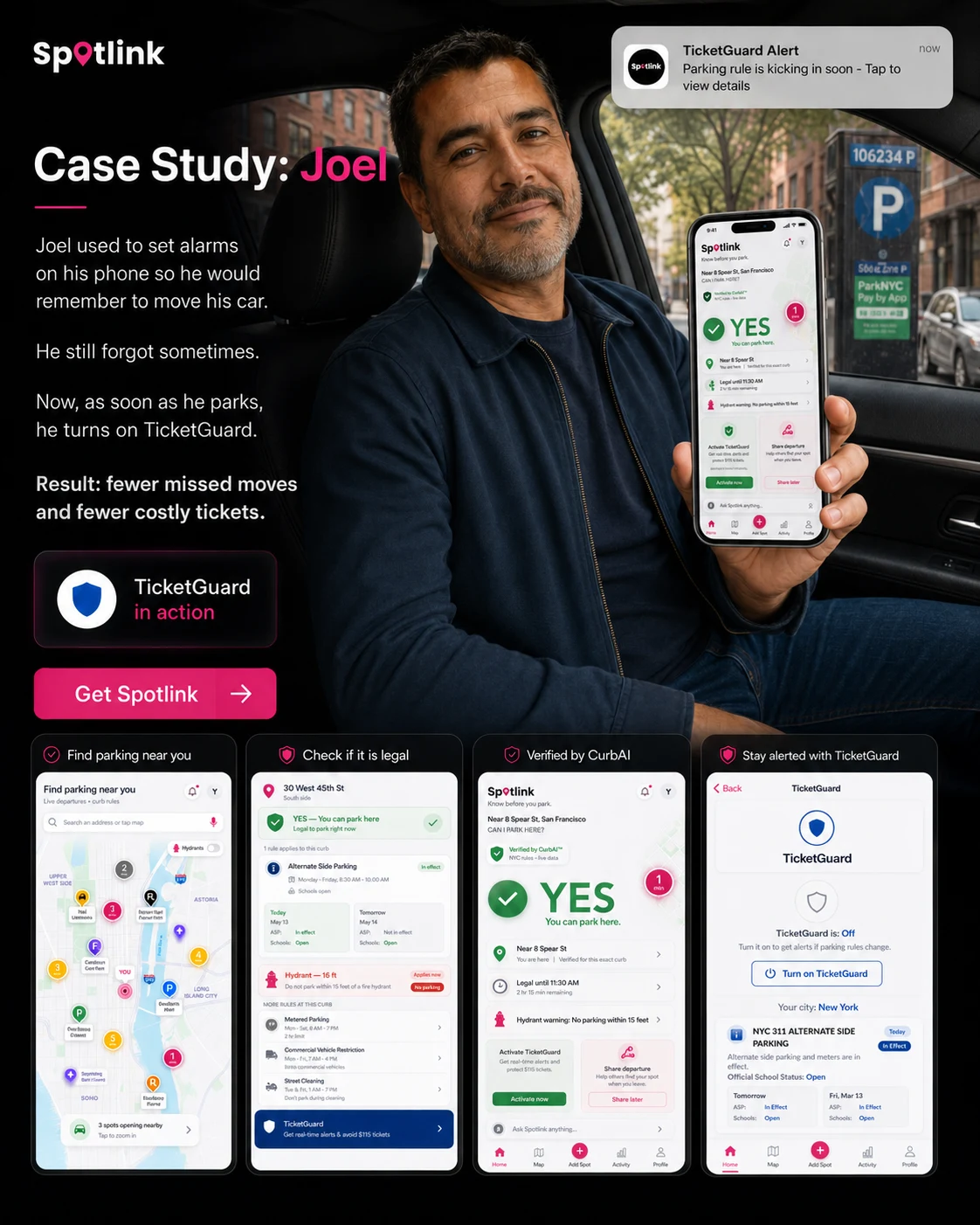
He now turns on TicketGuard after parking, so he can stay alert when curb rules change.
Get Spotlink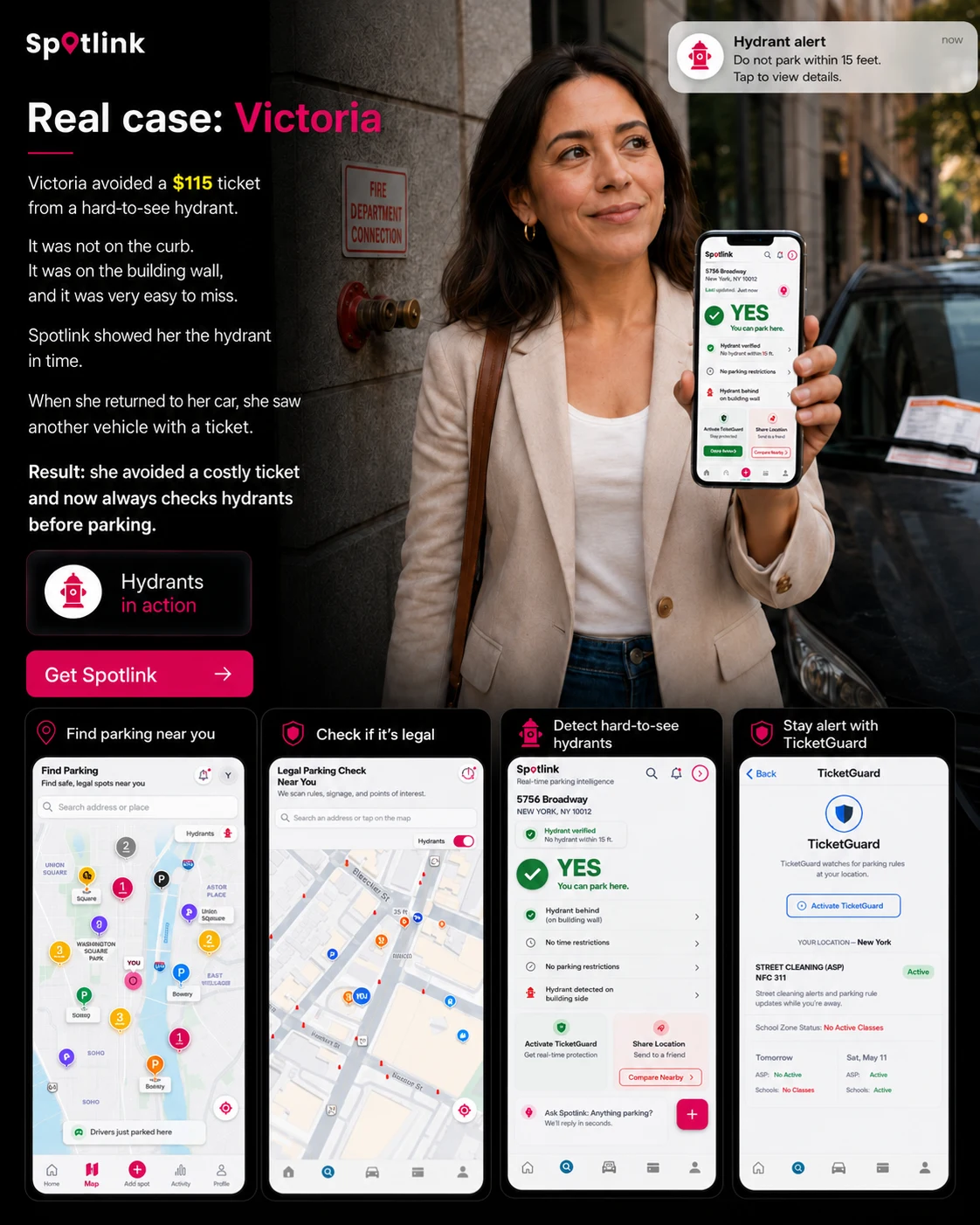
Spotlink helped her notice a tricky hydrant near a building wall before parking.
Get SpotlinkFast parking checks, TicketGuard alerts, and shared departures all route through the smart app link.
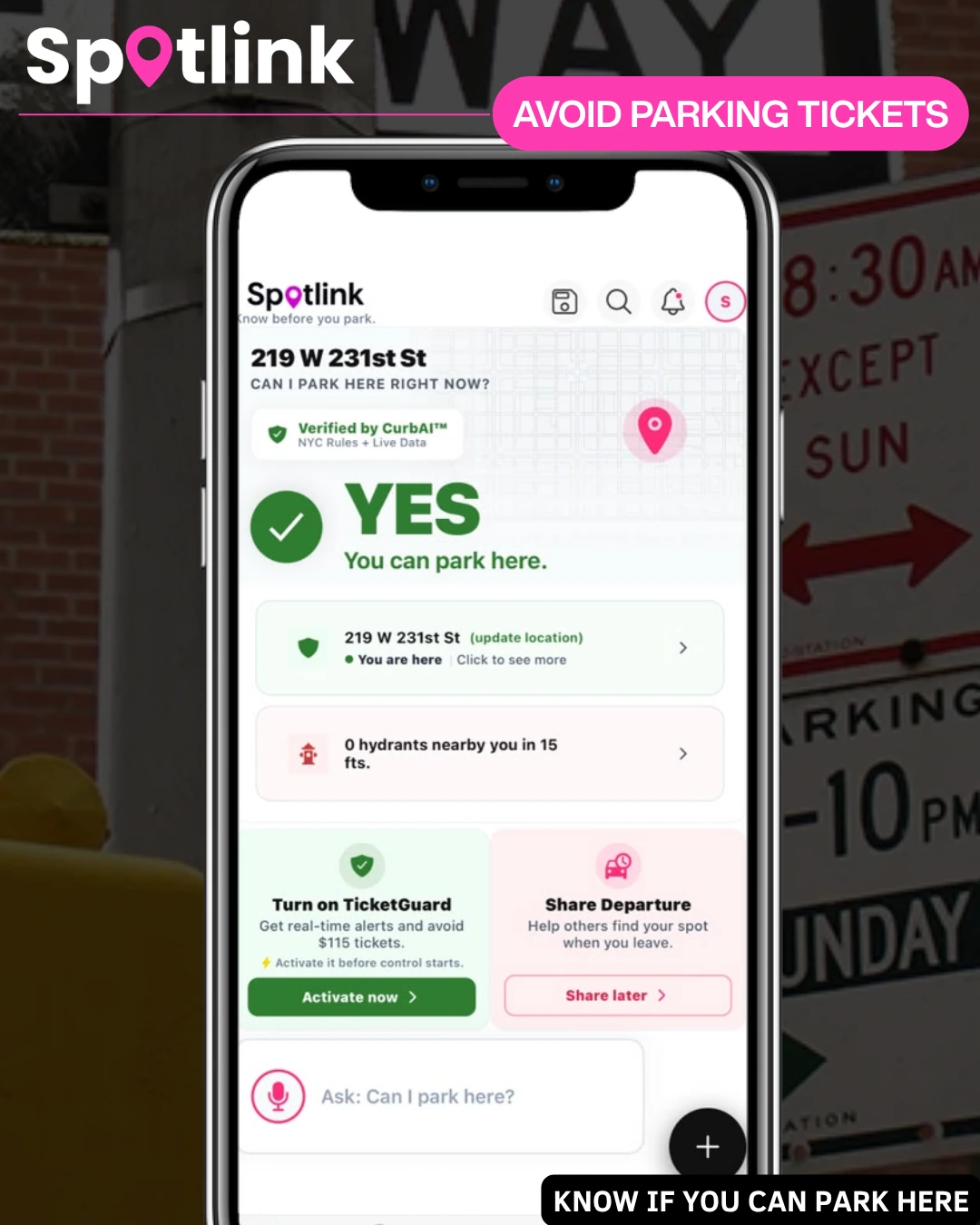
Before you park
CurbAI turns signs, hydrants, meters, and time windows into a simple decision before you stop, park, or load.
After you park
TicketGuard watches the parked-car moment so drivers can reduce guessing around rule changes and avoid avoidable parking mistakes.
Parked safely
Rule starts soon
Alert sent
Move before enforcement
Fewer surprise tickets, less stress, more time back, and fewer $65–$115 parking mistakes.
While searching
Select a driver-reported Live Departure and get turn-by-turn guidance toward its reported location. It is a timely signal—not a reservation, exclusive claim, or guarantee.
Plan where to look around your destination, then check the signs and meter hours on the block when you arrive.
See Parking NavigationShare Your Departure
When you're getting ready to leave a parking space, Share Your Departure lets nearby Spotlink drivers know that an opening may be coming.
They can discover the reported departure and navigate toward its location. The signal is time-limited and doesn't reserve or guarantee parking.

SpotCoins reward eligible participation in the Spotlink community, including qualifying departure-sharing activity. They can be used for supported features and actions within Spotlink, subject to the current program rules.
Check the app for earning requirements, available uses, and restrictions.
When unsure
Ask by voice and get a short answer in the language you used.
“Can I park here?”
Drivers
Curb decisions, alerts, live departures, and voice answers in one app to help avoid costly parking tickets.
Spotlink Business
Explore nearby businesses and driver services with Spotlight.
Sponsors & community
Spotlight can support local businesses, sponsors, and community organizations without turning the app into a noisy ad platform.
Featured sponsor visibility
Premium presence for brands supporting less stressful city movement.
Community partner presence
Reserved room for nonprofits and organizations sharing useful local resources.
Local business spotlight
Hyperlocal discovery for businesses near active parking corridors.
Event activation support
QR installs, zone presence, and recap content when appropriate.
Resources
On the news
FAQ
Find legal street parking, nearby restrooms, fire hydrants, useful businesses and live parking departures in NYC. Search, ask Spotlink Voice or select a spot on the map to plan your next move.
Spotlink gives guidance, alerts, and rule context to help drivers avoid avoidable parking mistakes. It does not guarantee that a ticket will never happen.
Yes. Spotlink helps drivers understand NYC parking signs, including arrows, time windows, street cleaning rules, hydrants, no standing, no parking, and no stopping rules.
Yes. Spotlink helps drivers check hydrant parking NYC context and street cleaning parking NYC rules before leaving the car.
Yes. Spotlink is built around NYC parking rules, curb intelligence, legal street parking in NYC, and parking enforcement alerts for New York City drivers.
TicketGuard is a Spotlink alert feature for parked-car timing. It must be enabled before the relevant rule window to provide advance notice; it does not guarantee that a driver will avoid a ticket.
Video
Short videos explaining parking rules, TicketGuard, CurbAI, and real NYC curb decisions.
Avoid avoidable parking mistakes. Find parking faster.