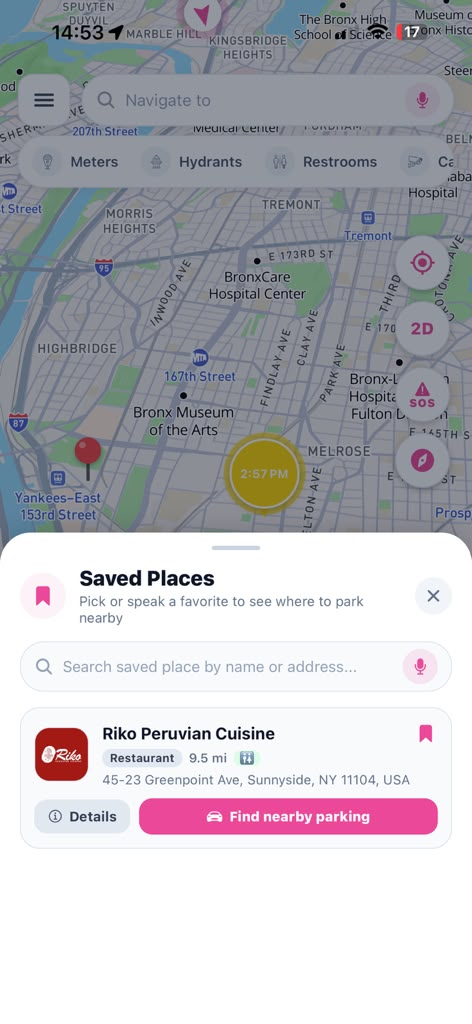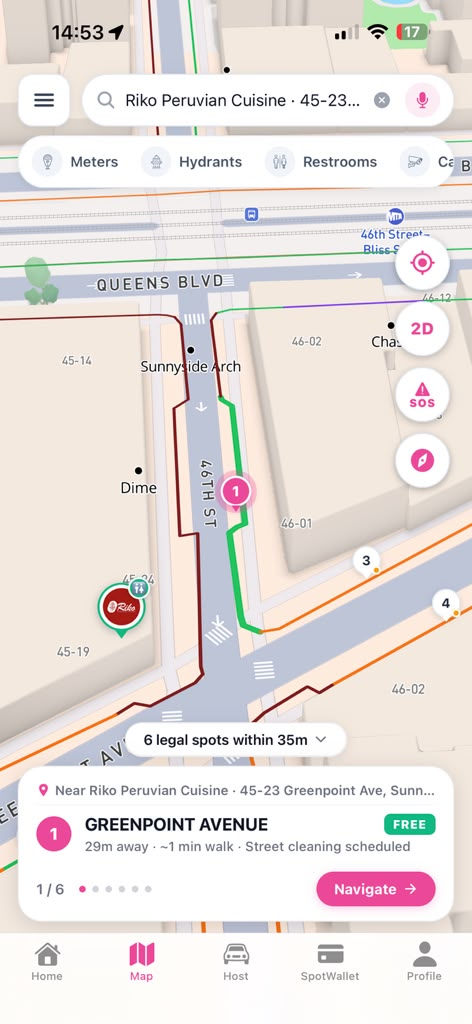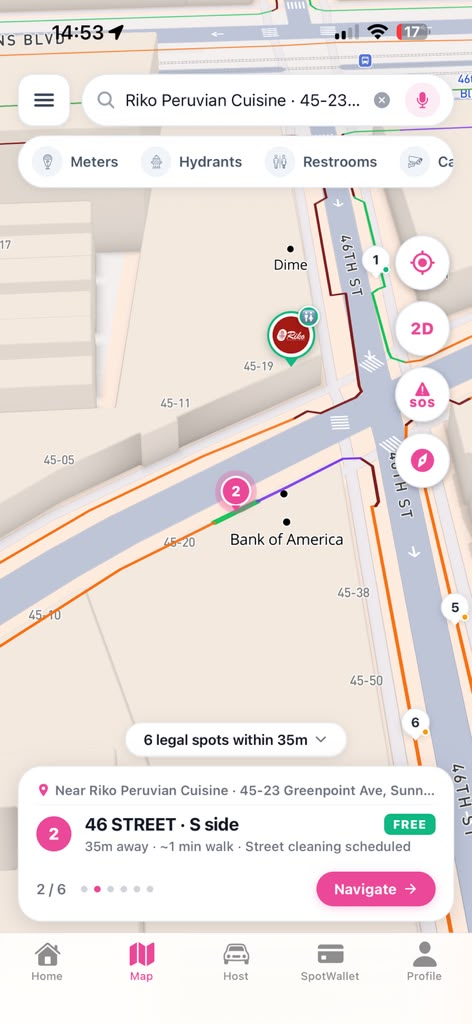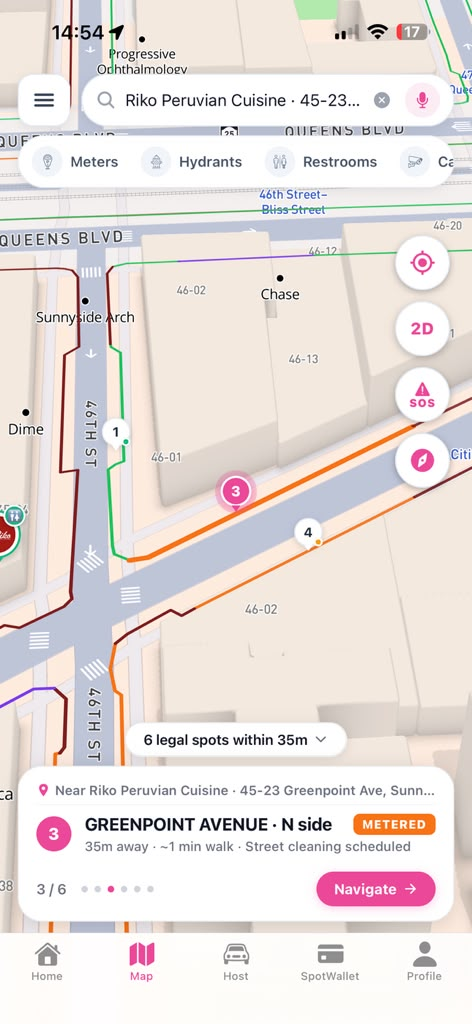
Save destinations you visit often, such as a regular pickup point or your gym. Open Saved Places, choose a destination and tap Find nearby parking to compare curb options around that location.
With Spotlink, type or say the name or address in SpotMap, or choose a place from Saved Places. Compare free and metered options, walking distances and restrictions, then tap Navigate on the option you choose while safely stopped. Use CurbAI for curb-rule questions. Live Departures shows driver reports as pins you can open separately.
Choose a block before you leave
Compare the walking distance and parking type. A block marked free can still have street cleaning or another restriction at your arrival time. Pick a backup block if your first choice is busy.
Check the signs when you arrive
A suggested option gives you a place to look. Check the signs, curb conditions and any meter hours for your side of the street before leaving the car.
Keep the destination and the parked car separate
Saved Places stores locations you want to visit. Saving where you parked pins the car after you arrive. Live Departures are opportunities reported by another driver.