
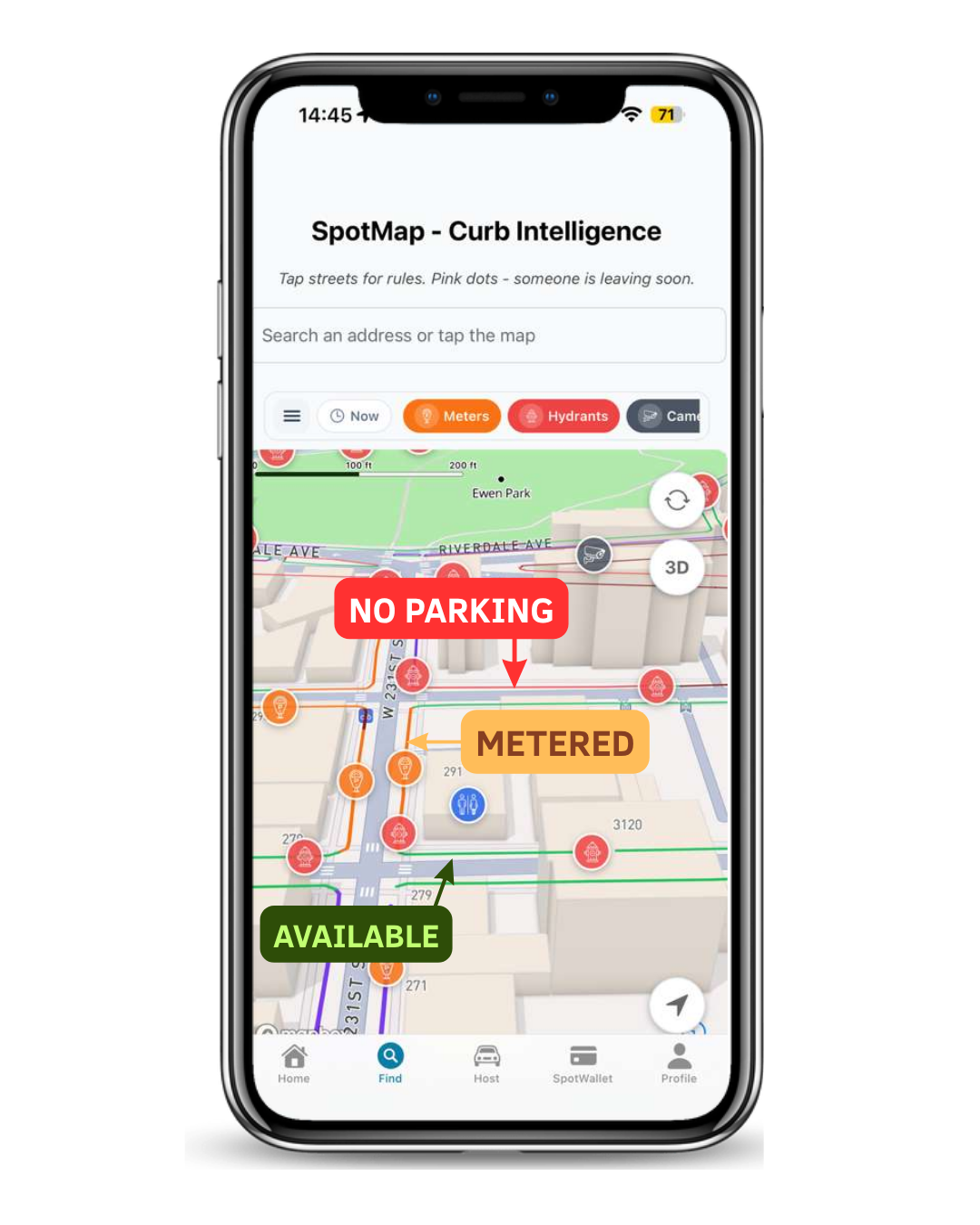
Direct answer: in the current SpotMap screen, green represents available-parking context, orange represents metered context, and red represents no-parking or restricted context. The label on the segment matters as much as the color.
No color guarantees that parking is legal. Posted signs, arrows, days and hours, temporary restrictions, emergency conditions, construction, and vehicle-specific rules can change the decision.
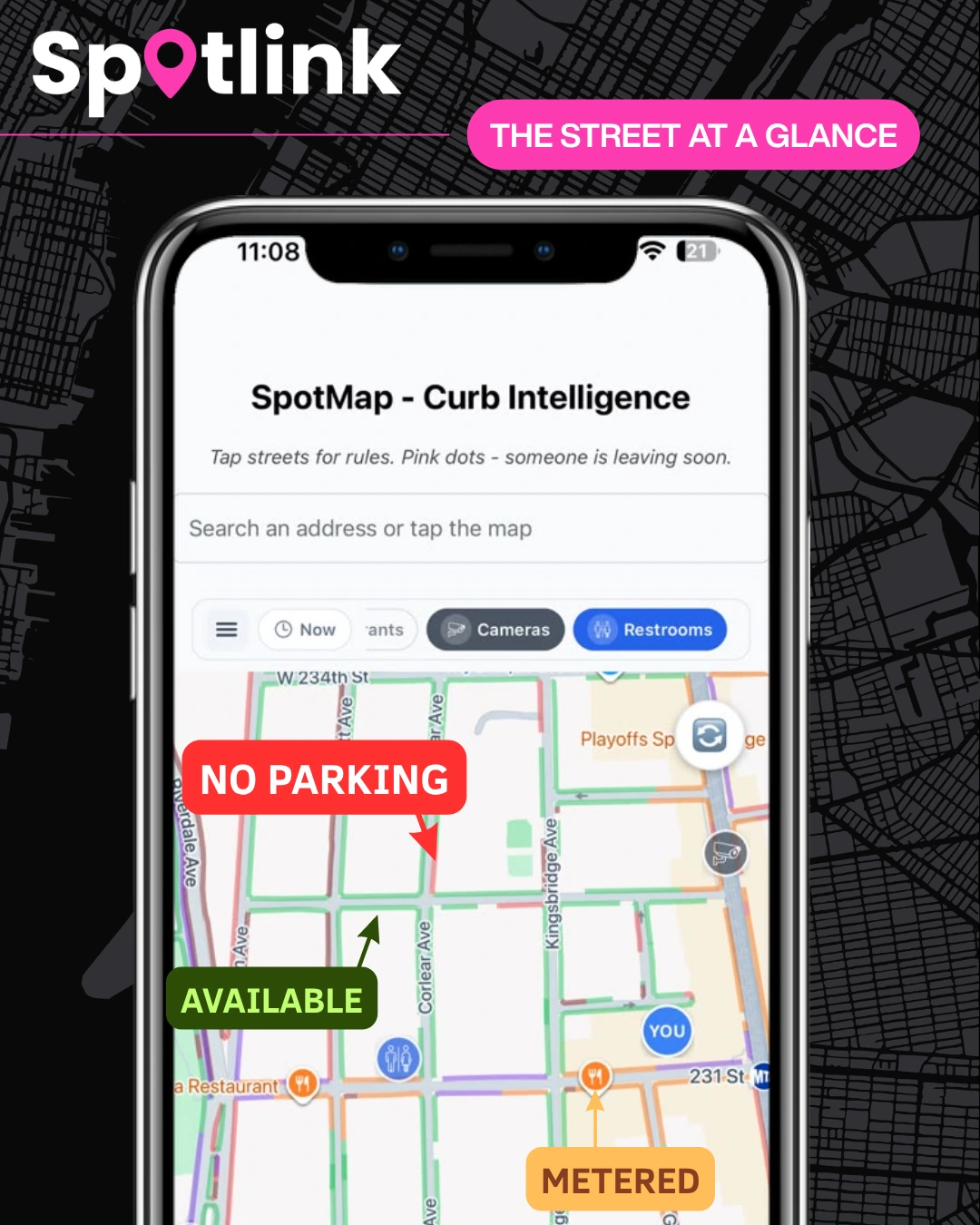
Green: available-parking context
A green segment helps a driver identify where parking appears available in the map context. Treat it as a prompt to inspect the exact curb—not permission to walk away. Look for signs that apply to that side of the street, the active time window, hydrants, driveways, crosswalks, bus stops, temporary notices, and other restrictions.
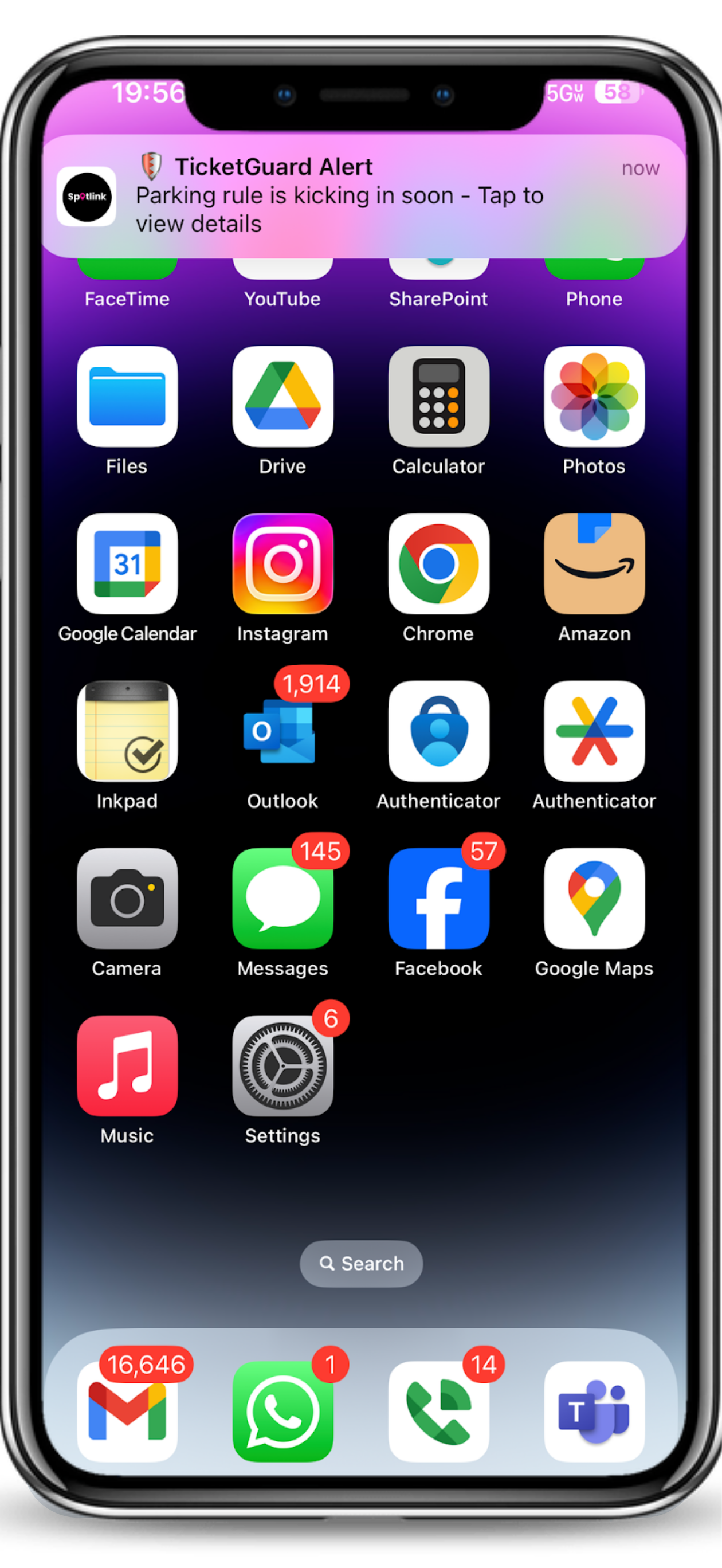
Orange: metered or conditional context
The current supplied interface uses orange for a segment labeled metered. A meter marker or orange curb does not erase other rules. Confirm that parking is allowed for the vehicle, day, and time before starting a payment session. Payment itself never overrides a no-parking, no-standing, street-cleaning, loading, or temporary restriction.
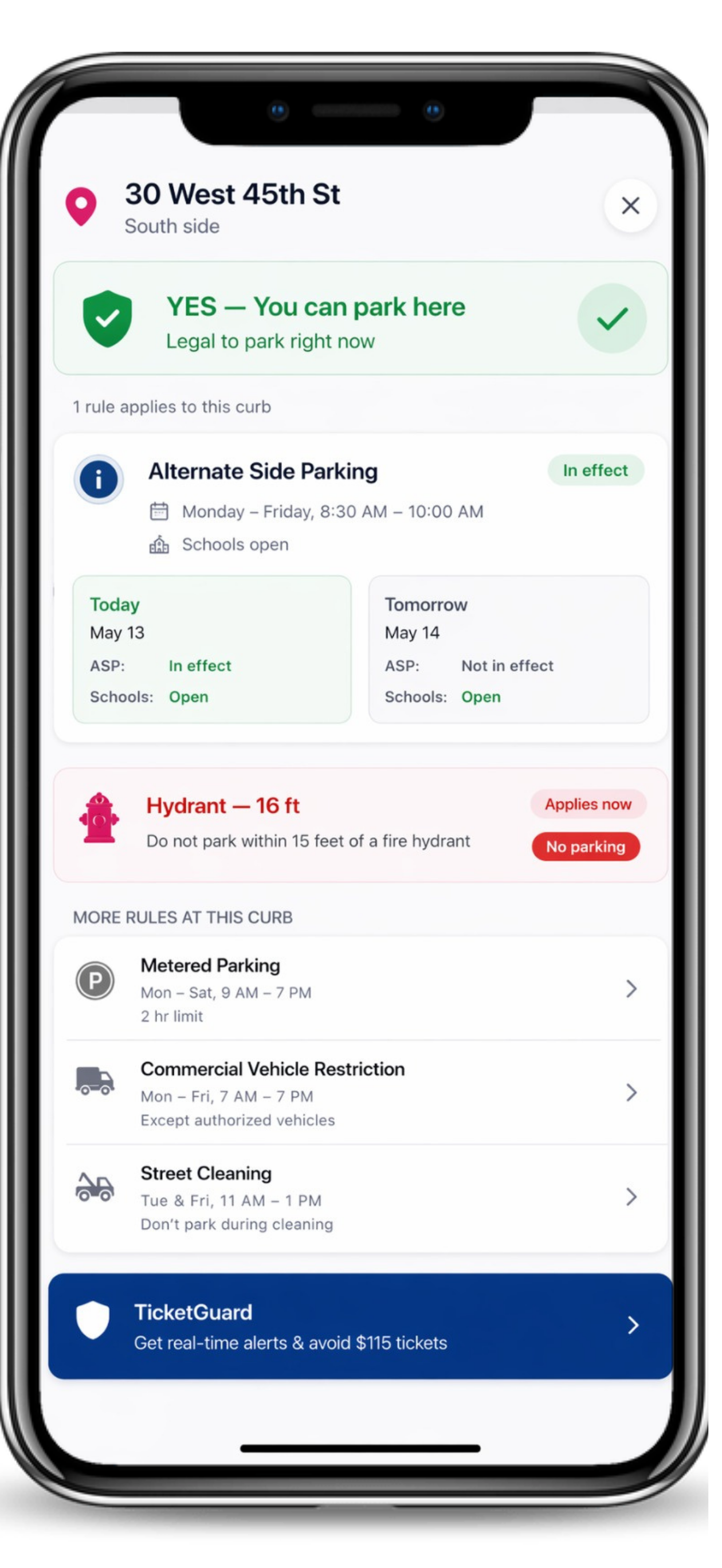
Red: restricted or no-parking context
A red segment calls attention to a restricted or no-parking condition. Do not use a nearby green segment to infer that the red restriction ends at an unverified point. Read sign arrows and curb boundaries, and check whether no standing, no stopping, loading, emergency, or time-based rules apply.
Why the interface uses both color and text
Color makes a block easier to scan, while text explains the category. Drivers with color-vision differences, a dim screen, glare, or an unfamiliar map should rely on the written label and street evidence. SpotMap is designed to reduce visual decoding, not to replace it with another single signal.
A five-check curb routine
Match the map to the exact side and segment of the street.
Read the curb label instead of relying on color alone.
Confirm posted signs, arrows, days, hours, and vehicle rules.
Check nearby hydrants and temporary street conditions.
If the information conflicts or remains unclear, do not assume the space is legal.
Use colors inside the full SpotMap workflow
The 3D NYC SpotMap guide explains how curb colors work with map layers and CurbAI. If you reached the block through a driver-reported Departure, remember that the report was only a possible opening; it did not reserve the space or verify the curb.
FAQ
Can I park anywhere that appears green?
No. Green provides available-parking context. The driver must still verify every posted and current restriction.
Does orange always mean I only need to pay?
No. Orange identifies metered or conditional context in the current interface. Other active restrictions can still prohibit parking.
What if the map and a posted sign disagree?
Follow the posted sign, current street condition, emergency direction, and applicable official rule. Do not rely on the map to override street evidence.